200 Days of Renewals: Track Certificate Issuers for Small Teams
By Nick Phillips, Founder
200 Days of Renewals: Track Certificate Issuers for Small Teams
The practical answer is straightforward: monitor Certificate Transparency logs, reconcile every new entry against a list of certificates you actually authorized, and let plain alerts flag the rest. CT makes new issuance visible within minutes, and with certificate lifetimes shrinking to 200 days as of March 2026, that reconciliation habit matters more than ever. For solo founders and small teams, a tool like Otterwatch can run this loop for you instead of asking you to build it.
TL;DR:
- Shorter certificate lifetimes reduce the window for unnoticed misissuance, making regular CT log monitoring essential for timely detection.
- Reconciling new certificates against an inventory using SPKI or fingerprint hashes helps filter routine renewals from genuine security concerns.
- Automated tools like Otterwatch simplify ongoing monitoring, especially for small teams, by providing plain-language alerts and free basic services.
- Certificates issued from unknown CAs or for forgotten domains are key signals to investigate immediately to prevent potential security breaches.
- Monitoring should be continuous, with checks every 15 to 60 minutes for high-risk assets, to keep pace with the rapid appearance of new CT log entries.
Table of Contents
- Why Tracking Newly Issued Certificates Matters Now
- How Certificate Transparency and SCTs Let You Detect New Certificates
- Setting Up a Monitoring Pipeline That Doesn’t Require a Security Team
- Filtering and Heuristics to Avoid Alert Fatigue
- What to Do the Moment an Unexpected Certificate Shows Up
- Running CT Monitoring Without Burning Out Your Team
- How Otterwatch Handles Certificate Issuer Tracking for You
- Sources
- FAQ
Why Tracking Newly Issued Certificates Matters Now
Every publicly trusted certificate issued for your domain gets logged somewhere you can see it. That is the whole point of Certificate Transparency: major browsers won’t trust a certificate unless it shows up in a public, append-only log first. Good news for defenders, but it only helps if someone is actually watching those logs. A misissued certificate, an old subdomain nobody remembers, or a wildcard cert someone requested “just in case” can all sit quietly until a browser flags something or, worse, until a client asks why a strange cert is showing up in a security scan.
The urgency has gone up a notch. As of March 2026, the maximum lifetime for publicly trusted TLS certificates dropped to 200 days, with further reductions already planned. Shorter lifetimes mean more renewals, more issuance events, and more noise to sort through if you’re not automating any of it.
Watch for these patterns specifically:
- Lookalike domains that mimic your brand with a slightly different spelling
- Wildcard certificates you didn’t request, especially for sensitive subdomains
- Certificates for forgotten or decommissioned subdomains still pointed at old infrastructure
- Issuance from a certificate authority (CA) you don’t normally use
How Certificate Transparency and SCTs Let You Detect New Certificates
CT logs are cryptographically verifiable, append-only records that any certificate authority must submit to before browsers like Chrome will trust the certificate. When a log accepts a submission, it returns a Signed Certificate Timestamp, or SCT, which is essentially proof that the certificate has been logged and is now publicly discoverable. Browsers check for valid SCTs as part of their CT enforcement policy, and that requirement is what makes this whole tracking approach work in the first place. If a CA wants its certificates trusted by mainstream browsers, logging is not optional.
The practical upside for you: certificates typically appear in CT logs within seconds to hours of issuance. There’s no waiting around for a scan to catch it days later.
A few places to actually query this data:
- crt.sh — a free, searchable front end for CT log data, good for spot checks and scripted polling
- Censys — broader internet scanning data that includes certificate details
- CertStream — a real-time feed of CT log entries delivered over WebSocket
- CT log APIs directly — for teams that want to build custom tooling around specific logs
Industry guidance generally points owners toward monitoring existing logs rather than trying to run their own CT disclosure process. You don’t need to participate in CT infrastructure. You just need to watch it.
Setting Up a Monitoring Pipeline That Doesn’t Require a Security Team
You have two real paths here, and which one fits depends on how much time you want to spend maintaining infrastructure versus reviewing alerts.
- Hosted route. Sign up for a CT alert service that handles polling, deduplication, and delivery for you. This is the fast path: minimal setup, managed filtering, and you’re reviewing alerts within the hour instead of writing polling scripts.
- DIY route. Poll crt.sh using a
sincetimestamp parameter to fetch only new entries since your last check, or connect to CertStream for a near-real-time WebSocket feed of every certificate hitting the logs. - Reconcile against your inventory. Whichever path you choose, match new CT entries to a stored list of certificates you’ve authorized, using the SPKI hash or full certificate fingerprint rather than just the domain name. This is what separates useful alerts from noise.
- Route alerts by severity. Send routine confirmations to email, push anything needing a second look to Slack or a webhook, and only spin up a ticket when something needs actual investigation.
- Set your check cadence. High-risk assets, like a domain handling payments or auth, deserve near real-time checks. General coverage across the rest of your domains works fine on a 15 to 60 minute cycle given how quickly CT entries now appear.
Pro Tip: Record the SPKI hash of every certificate at the moment you issue it, not after the fact. Trying to reconstruct “what did we actually request” during an incident is a bad time to discover your inventory has gaps.
None of this requires enterprise certificate lifecycle management software. A single spreadsheet with fingerprints, a polling script, and an alert channel covers most small teams comfortably. The complexity creeps in only when you skip the reconciliation step and just watch raw CT output.
Filtering and Heuristics to Avoid Alert Fatigue

Raw CT feeds are loud. Every renewal of every certificate you already run shows up as a “new” event unless you filter it out, and that noise is exactly what causes teams to stop reading alerts within a few weeks.
The fix is SPKI or fingerprint matching. Cloudflare’s own CT monitoring suppresses certificates it issued itself by comparing SPKI hashes against known-good keys, which is the same pattern worth borrowing at any scale. Once you allowlist your expected CAs and suppress routine renewals, what’s left in your alert stream is actually worth reading.
Keep an eye on a few health signals too:
- Stream lag, so you know if your monitor has fallen behind the logs
- Counters like
ct_unknown_certificates_total, which flag issuance you haven’t reconciled - Certificates approaching expiry that haven’t been renewed yet
Never suppress these, no matter how noisy your filters get: wildcard certificates for sensitive hostnames, issuance from a CA outside your allowlist, and certificates for subdomains that shouldn’t exist anymore. Practitioner telemetry patterns built around these counters keep the detection window short instead of letting unknowns pile up unnoticed.
What to Do the Moment an Unexpected Certificate Shows Up
Speed matters here, but so does not overreacting to something that turns out to be a legitimate renewal you forgot about.
- Verify the details. Pull the issuer, SANs, fingerprint, and issued date from the CT entry and check it against your inventory. Sometimes it really is just an automated renewal you didn’t log.
- Escalate if it’s unknown. If nothing matches, suspend the affected hostname where feasible, request revocation from the issuing CA, and rotate any credentials tied to that domain.
- Notify with facts, not guesses. Tell stakeholders exactly what was found and what you’ve done about it so far, no speculation needed.
- Close the loop. Update your inventory, tighten your CAA records if they let in a CA you didn’t expect, and adjust your filters so the next legitimate renewal doesn’t trip the same alarm.
Running CT Monitoring Without Burning Out Your Team
The mistake I see most often is treating certificate transparency monitoring as a one-time setup instead of ongoing inventory hygiene. It isn’t. Every renewal, every new subdomain, every forgotten staging environment adds another line to the list you have to keep straight, and shorter certificate lifetimes only speed up that churn.
What actually works is boring: a quick daily glance at anything flagged, a weekly pass to confirm your inventory still matches reality, and alerts written in plain language instead of raw log dumps. Otterwatch was built around that instinct. Calm, specific, and rare enough that when something does show up, you actually read it.
— Nick Phillips
How Otterwatch Handles Certificate Issuer Tracking for You
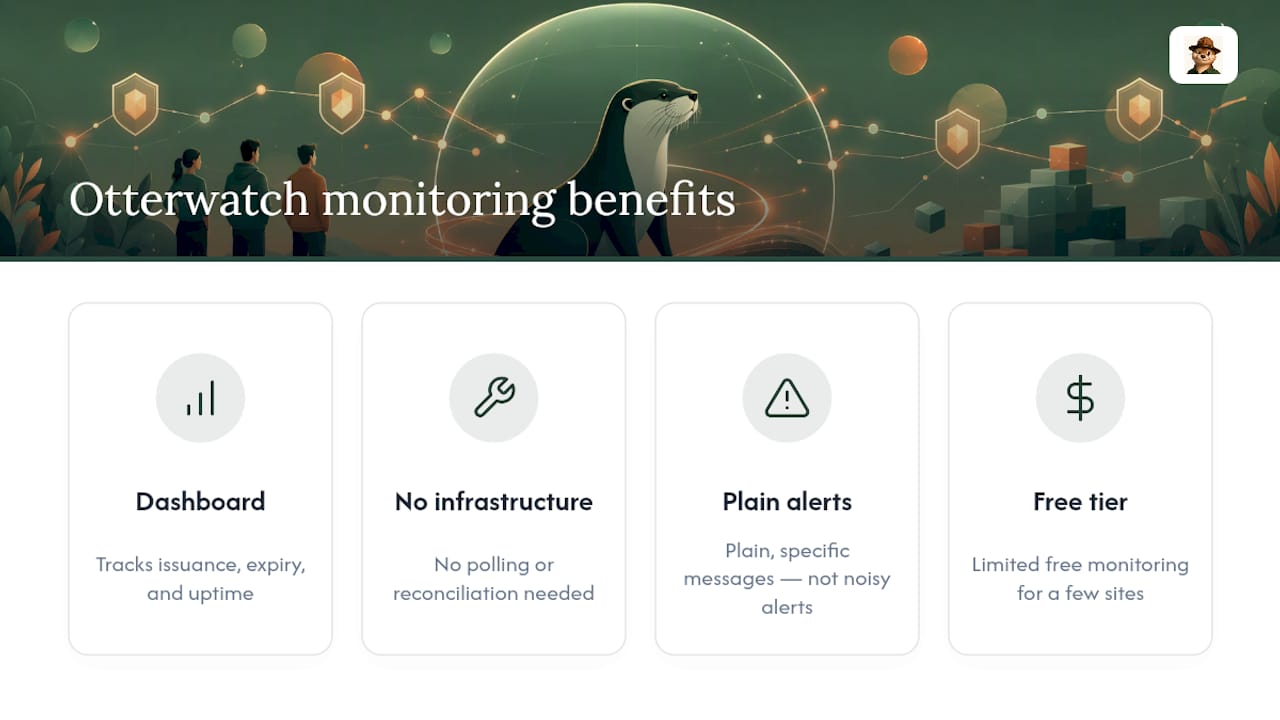
There are services that provide a dashboard to watch certificate issuance, track expiry, and check uptime, without requiring you to maintain polling infrastructure or write your own reconciliation logic.

Some monitoring tools are designed for solo founders, small teams, and agencies who need to know when something changes on their domains without wading through complex security consoles. Alerts may arrive as plain, specific messages rather than overwhelming alerts, and some offer limited free monitoring for a small number of sites. If you’re managing certificates for clients, that free tier alone often covers a small agency’s core domains.
If you want to see what this looks like on your own domain right now, run it through the free SSL certificate checker. If you’re ready to put ongoing monitoring in place, set up monitoring on Otterwatch and get your first plain-language alert before your next certificate is even close to expiring.
Sources
For deeper technical grounding, the MDN Certificate Transparency documentation covers browser CT policy in detail. The University of Colorado’s writeup on the 200 day lifetime change explains what’s driving shorter renewal cycles, and Otterwatch’s own guide on why short-lived certificates need monitoring in 2026 walks through the practical fallout.
- Certificate Transparency — MDN Web Docs
- SSL certificate expiration dates are changing — University of Colorado OIT
- TLS Certificate Transparency Monitoring: CT Logs, CAA Records, and Misissuance Detection — SystemSharding
FAQ
What Is Certificate Transparency Monitoring?
It’s the practice of watching public CT logs for new certificates issued against your domains, so you catch unauthorized or unexpected issuance as soon as it happens rather than after a client or scanner notices first.
How Fast Do New Certificates Show Up in CT Logs?
Certificates typically appear within seconds to hours of issuance, since browsers require valid Signed Certificate Timestamps before they’ll trust a certificate at all.
Do I Need to Run My Own CT Log Infrastructure?
No. You only need to monitor existing public logs through tools like crt.sh, Censys, or CertStream. CAs handle the actual submission to logs as part of getting their certificates trusted.
Why Did Certificate Lifetimes Get Shorter in 2026?
The maximum lifetime for publicly trusted TLS certificates dropped to 200 days in March 2026, which pushes issuance and renewal events to happen more often across the year.
Can Otterwatch Track Certificate Issuers for My Domains?
Yes. Otterwatch monitors certificate issuance, expiry, and uptime for your domains and sends plain-language alerts, with free monitoring available for up to five sites.
Recommended
- Small Teams: 3 Quick Checks for Certificate Issuance Alerts
- Small Teams: Set Up Certificate First Email Alerts (30/14/7/3/1 Days)
- SSL Certificate Renewal Explained: 2026 Guide
- Certificate Expiration Check Script: A Practical Guide
Catch the next cert expiry before your users do.
Otterwatch checks your SSL certificates daily and emails you 30 days before they expire. Five sites free.
Start watching →