UptimeRobot vs pingping.io vs TrackSSL vs Certimon vs SSLreminder 2026
By Nick Phillips, Founder
Missing SSL certificate expiry alerts since Let’s Encrypt stopped sending expiration emails leaves sites exposed to sudden outages and browser warnings. Many uptime monitoring tools treat certificate checks as an afterthought, bundle restrictive monitor limits onto free plans, or require extra integration to get simple early reminders. This comparison lines up Otterwatch and other certificate-first and uptime-focused competitors so you can pick a service that prevents expired-cert incidents without adding clutter or cost.
Table of Contents
UptimeRobot
At a Glance
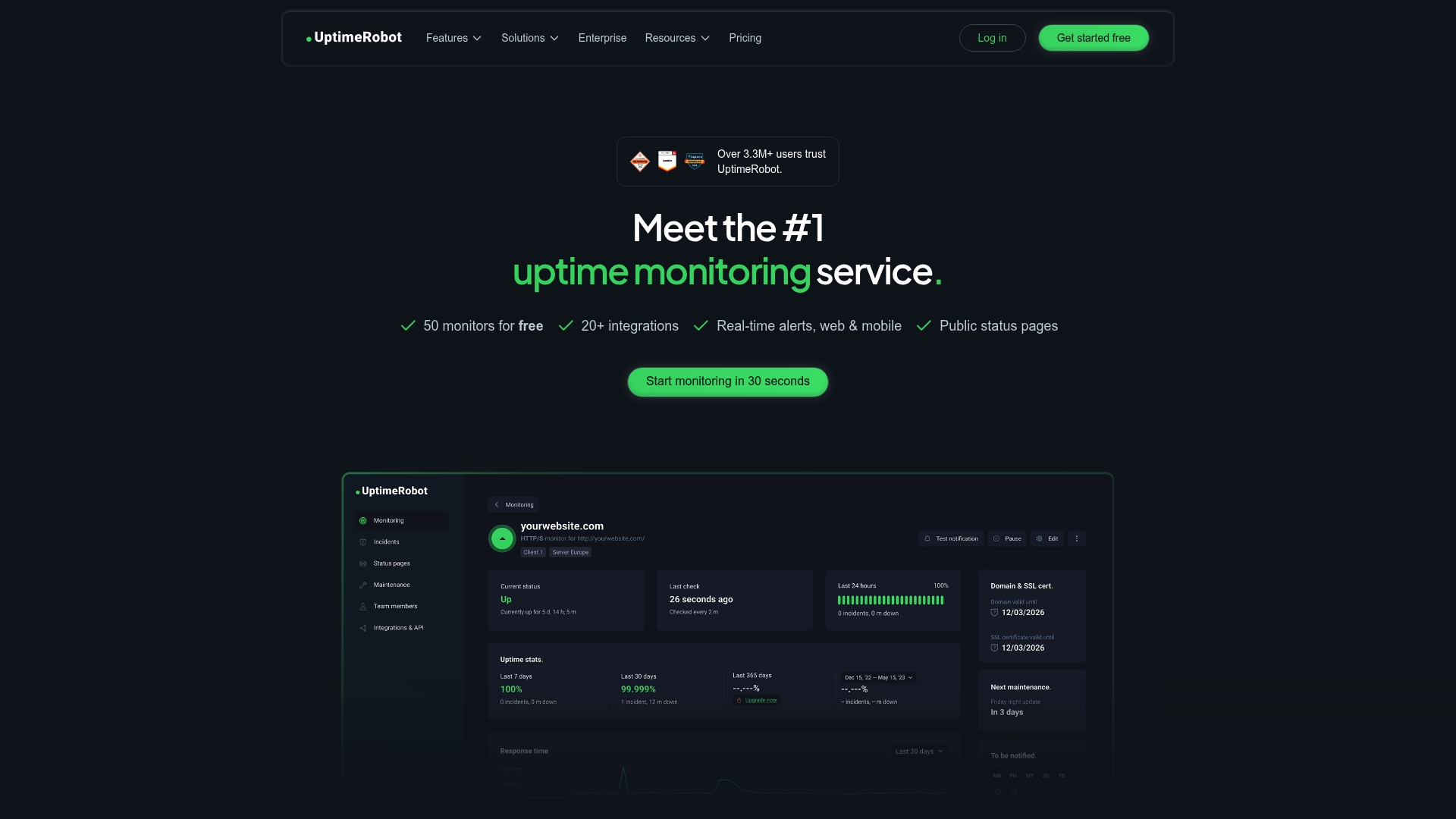
UptimeRobot reports a free plan that supports 50 monitors checked every 5 minutes with no credit card required. The vendor advertises being used by over 3 million users; that figure is self-reported. This generous free tier is the most concrete reason teams try the service.
Core Features
UptimeRobot covers HTTP(s), ping, port, keyword, SSL certificate expiry, domain expiration, and cron job monitoring. Multi-location checks probe from several regions to reduce false positives. Alerts can go to email, SMS, voice calls, push apps, or webhooks and there are customizable public status pages and mobile apps.
Key Differentiator
The product positions uptime monitoring as the primary focus while bundling SSL checks as a secondary capability. That emphasis shows in the free plan and in the variety of simple check types available. For teams that need broad, frequent uptime checks without tying them to certificate-only workflows this is the core appeal.
Pros
-
Generous free tier lowers the barrier to entry for small teams and solo owners. Many teams can monitor dozens of endpoints without spending anything.
-
Paid plans add shorter check intervals and collaboration features at a low entry price, making upgrades practical as needs grow.
-
A wide set of check types lets one tool handle uptime, SSL expiry, port health, and cron monitoring without multiple vendors.
-
Deep alert integrations with Slack, Microsoft Teams, Telegram, PagerDuty, and others let you route incidents into existing operational channels.
-
Public status pages reduce support noise by showing live uptime and incident notes to customers.
Cons
-
Free monitors check at slower intervals which leaves a longer detection window compared with paid 60-second checks. That trade off matters for high frequency monitoring.
-
There is no Real User Monitoring or transaction level synthetic testing offered, so behavior under real client load is not visible here.
-
SMS and voice credits are sold separately and are not included with the free plan which can increase costs for phone alerts.
-
Advanced analytics, more granular alert customization, and unlimited status pages are gated behind higher tiers.
When It May Not Fit
If your team needs Real User Monitoring, session replay, or multi-step transaction checks you will need a specialist tool. If you require minute‑level alerts for hundreds of monitors at scale without added credit purchases, the pricing at scale may be less competitive.
Notable Integrations
-
Slack
-
Microsoft Teams
-
Telegram
-
PagerDuty
-
Discord
-
Zapier
-
Pushbullet
-
Pushover
Who It’s For
IT teams, web developers, small and medium businesses, and digital marketers that want straightforward uptime and SSL expiry checks with flexible alerting. It suits teams that prefer an uptime first approach and a large free monitor allowance.
Real World Use Case
A digital agency runs client sites and APIs under UptimeRobot monitoring. They get alerted when a site goes down or an SSL certificate approaches expiry and use the public status page to keep clients updated while engineers triage the issue.
Pricing
UptimeRobot offers a free plan with up to 50 monitors at 5-minute checks and no credit card. Paid tiers include the Solo plan at $9/month, the Team plan at $38/month, and the Enterprise plan starting at $69/month when billed annually. SMS and voice credits are purchased separately.
Website: https://uptimerobot.com
pingping.io
At a Glance
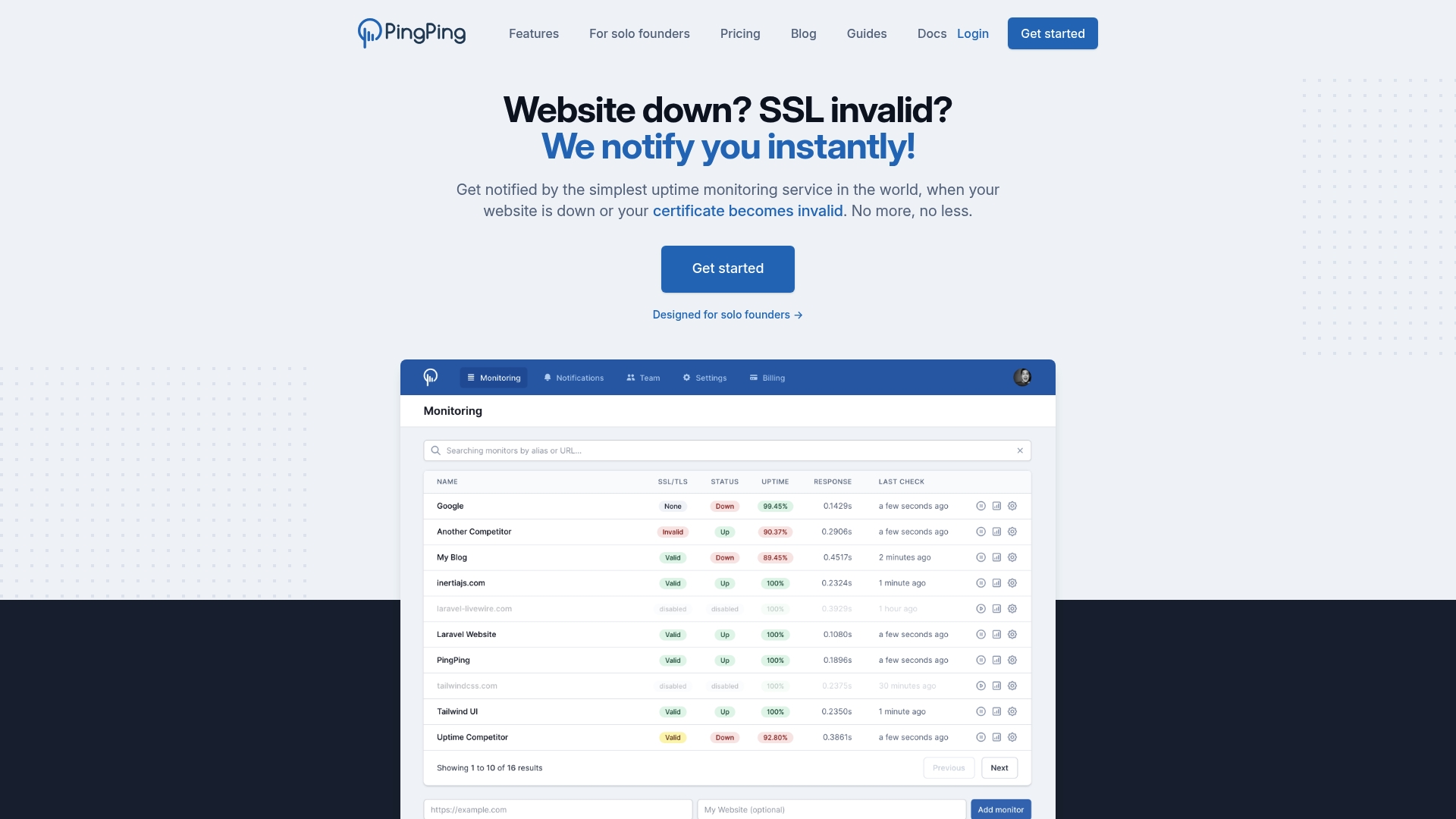
pingping.io advertises 30 second interval checks for uptime and SSL monitoring on every plan, which is noticeably faster than the common 1 to 5 minute polling many services use. The vendor positions this speed plus unlimited team access as a simple, affordable package for small teams.
Core Features
-
30 second interval checks for rapid detection of downtime across monitored sites.
-
SSL certificate monitoring with configurable notification thresholds up to 14 days before expiry.
-
Public or private multi language status pages with custom domain support.
-
Notifications via Email, SMS (via Vonage), Slack, Discord, Telegram, and webhooks.
-
Full featured REST API for programmatic management and unlimited team members with admin controls.
Key Differentiator
That 30 second polling claim is the product’s standout angle. Pairing sub minute checks with SSL alerts on every tier and unlimited team seats targets small ops teams that need fast, actionable alerts without per seat billing or complex configuration.
Pros
-
Faster alerting than many rivals thanks to the frequent check interval, helping you notice incidents before user complaints arrive.
-
SSL certificate monitoring is available on each plan, reducing the chance of expired cert incidents for teams that do not run automated renewals.
-
Unlimited team member access comes at no additional cost, which simplifies collaboration across founders, developers, and on call responders.
-
Public status pages let you publish incident information in multiple languages and keep customers informed without manual emails.
-
The interface is straightforward and pricing is clear on the vendor site, which suits smaller teams that want predictable costs.
Cons
-
The free plan monitors only 2 websites, which is tight for agencies or multi product shops.
-
SMS requires a Vonage connection, so native carrier SMS options are not built in and may add setup steps.
-
The product focuses on core monitoring and does not advertise advanced enterprise integrations or sub minute options beyond the standard 30 second checks.
-
Minimal branding or mascot presence; the UI is utilitarian rather than playful.
When It May Not Fit
If you need native carrier SMS without a third party, pingping.io’s Vonage dependency will feel limiting. If your operation needs deep enterprise integrations or specialized alert routing, the product’s focus on core monitoring may leave gaps. Large scale deployments over 250 sites require custom pricing.
Notable Integrations
-
Email
-
SMS (via Vonage)
-
Slack
-
Discord
-
Telegram
-
Webhooks
-
REST API
Who It’s For
Solo founders, small business owners, and compact engineering teams who value quicker alerts and simple collaboration. Ideal when you want straightforward uptime checks, certificate expiry warnings, and public status pages without managing per seat fees.
Real World Use Case
A solo SaaS founder uses pingping.io to watch their app and SSL certificates. When downtime or an expiring cert appears, immediate alerts land in Slack and email, letting them fix issues before customers notice and avoiding browser security warnings.
Pricing
The vendor advertises pricing starting at €6 per month for up to 5 website monitors, with annual billing offering a month free and a 14 day trial available without a credit card. Larger tiers scale to 10, 25, 50, 100, and 250 monitors with custom pricing above that.
Website: https://pingping.io
TrackSSL
At a Glance
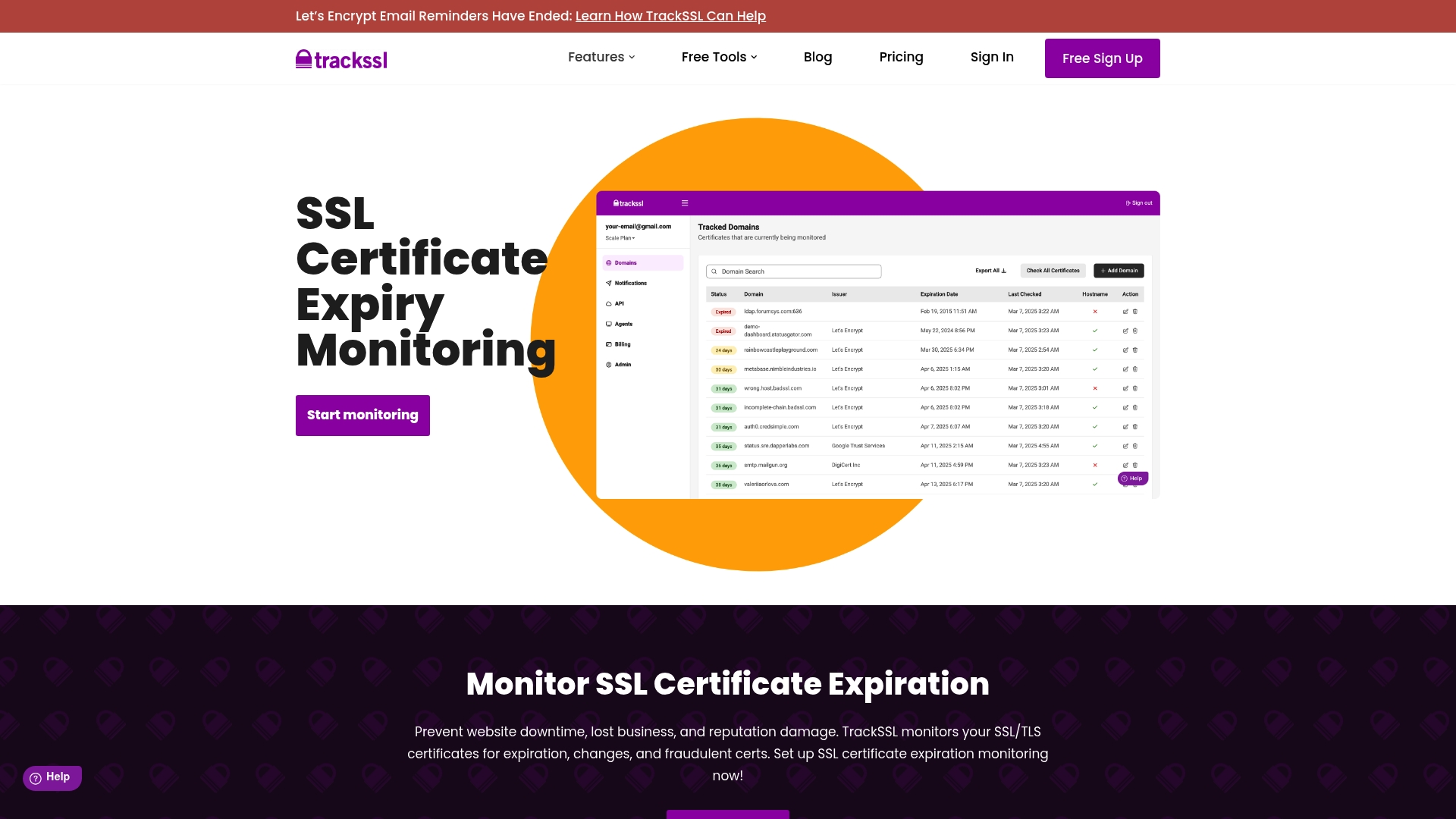
TrackSSL advertises pricing starting at about $0.72 per domain and a free plan that monitors up to two domains. The service centers on certificate expiry and change detection and sends alerts via multiple channels so teams have time to act before a certificate lapses.
Core Features
TrackSSL provides focused monitoring and flexible alerting to keep certificates current and visible.
-
Customizable expiry alerts from 60 days down to 1 day before expiry.
-
Multi-channel notifications including email, Slack, Microsoft Teams, SMS, and webhooks for routing alerts to existing workflows.
-
Monitoring for both public and private/internal certificates plus detection of certificate changes and renewals.
-
Dashboard overview and API access for automated inventory and integrations.
Key Differentiator
The product positions certificate monitoring as the primary capability rather than an add-on. TrackSSL concentrates on expiry windows, change detection, and fraud signals and supports internal certificate inventories. That focus makes it a specialist tool for teams that treat certificate management as a discrete operational problem.
Pros
-
Reports proactive alert timing that helps avoid expiry incidents by notifying teams well ahead of renewal dates. This reduces last-minute firefighting.
-
TrackSSL reports being used by companies such as Dell and IBM, which indicates enterprise interest in the platform according to vendor materials.
-
Supports both public and private certificates so IT and DevOps teams can rationalize external and internal certificate coverage in one place.
-
Multiple notification channels let you route alerts to Slack or Teams or into automation via webhooks, matching current on-call and ticketing practices.
-
The API enables programmatic checks and inventory exports so you can include certificate status in runbooks and deployment pipelines.
Cons
-
Uptime monitoring is limited because the service is certificate-first; if you need comprehensive endpoint checks, this is not the main selling point.
-
The vendor notes Certificate Transparency Alerts as coming soon, so some advanced fraud detection features are not yet available.
-
SMS is listed among notification channels but that appears to be a vendor claim and may depend on regional carrier support and account settings.
-
No native mobile apps are available; the offering is primarily web based with third-party desktop app options.
When It May Not Fit
If you need hourly or sub-minute uptime checks and a single pane for uptime and synthetic transaction testing, TrackSSL will feel narrow because its priority is certificate health not broad uptime metrics.
If you require immediate Certificate Transparency feeds today, know that the vendor marks that feature as not fully available yet. If mobile push notifications are a must, this service may not meet that requirement.
Notable Integrations
TrackSSL connects to common alerting channels so you can plug certificate alerts into existing communication flows.
-
Email for direct alerts and escalation.
-
Slack and Microsoft Teams for team channels and on-call routing.
-
Webhooks for automation and ticket creation.
-
SMS listed by the vendor as a notification option, subject to vendor support and settings.
Who It’s For
IT administrators, DevOps teams, and security professionals who prioritize certificate validity and want centralized alerts across public and internal assets. The tool fits teams that already use Slack or Teams and prefer automated API-driven workflows for certificate inventory.
Real World Use Case
A digital agency tracks dozens of client domains and private staging certs in one account. TrackSSL sends Slack alerts two weeks before expiration and exposes an API endpoint the agency scripts into its renewal runbook. Renewals move from reactive to scheduled work.
Pricing
TrackSSL offers a free tier for monitoring up to two domains. Paid plans scale by domain with pricing advertised from around $0.72 per domain billed in US dollars. The pricing model aims for low per-certificate cost as you add domains.
Website: https://trackssl.com
Certimon

At a Glance
Operates primarily through a Telegram bot, delivering real time SSL checks and expiry alerts straight to your phone. It targets power users who want certificate-first monitoring and includes issuer and signature diagnostics for quick triage.
Core Features
-
Real time SSL certificate verification for immediate status checks via chat commands.
-
Detailed certificate diagnostics showing issuer, signatures, and expiration metadata for each monitored domain.
-
Expiry alerts with smart notifications and scheduled reminders to reduce the risk of missed renewals.
-
Instant certificate checks performed through simple Telegram commands without a separate dashboard.
Key Differentiator
Runs almost entirely inside Telegram, so interaction happens in the app you already carry. That design strips away dashboard complexity and places certificate checks and alerts into a chat flow, which is a different operating model than dashboard-first monitoring tools.
Pros
-
Eliminates dashboards by using a Telegram bot, which reduces setup and removes the need to learn a new web interface.
-
Automated expiry reminders help prevent expired certificate incidents by nudging you before critical dates.
-
Real time status updates and diagnostics enable faster troubleshooting when certificate issues appear on a site.
-
Quick commands let you request an instant certificate check from mobile, useful for on-call admins away from a workstation.
-
Suits users who prefer a lightweight, certificate-first workflow instead of combined uptime and certificate monitoring.
Cons
-
No dedicated web dashboard or centralized UI, so teams that need visual reports will find the interface limiting.
-
Reliant on Telegram, which excludes users or organizations that do not use that messenger for operational alerts.
-
Pricing is not clearly disclosed in public sources, creating uncertainty for procurement or enterprise budgeting.
-
Fewer integrations and no built-in uptime checks compared with multi-feature monitoring platforms.
When It May Not Fit
If your team requires a shared web console, role based access, or integrated uptime checks, Certimon will feel narrow. Also avoid it if your organization blocks Telegram or has strict change management that requires transparent pricing and invoices for procurement.
Notable Integrations
- Telegram
Who It’s For
IT professionals, system administrators, and security-focused users who want a lightweight, bot driven way to monitor certificate expirations. Best for individuals or small ops teams that value quick chat alerts over a full web control panel.
Real World Use Case
A web administrator adds a portfolio of domains to the bot and receives timely Telegram reminders well before expiry dates. The admin runs an instant check when a certificate warning appears in the browser and resolves the issue before users see security errors.
Pricing
Pricing is not clearly disclosed in available sources. The available information suggests a free or low cost model centered on the Telegram bot, with no complex subscription tiers publicly listed.
Website: https://certimon.com/
SSLreminder
At a Glance
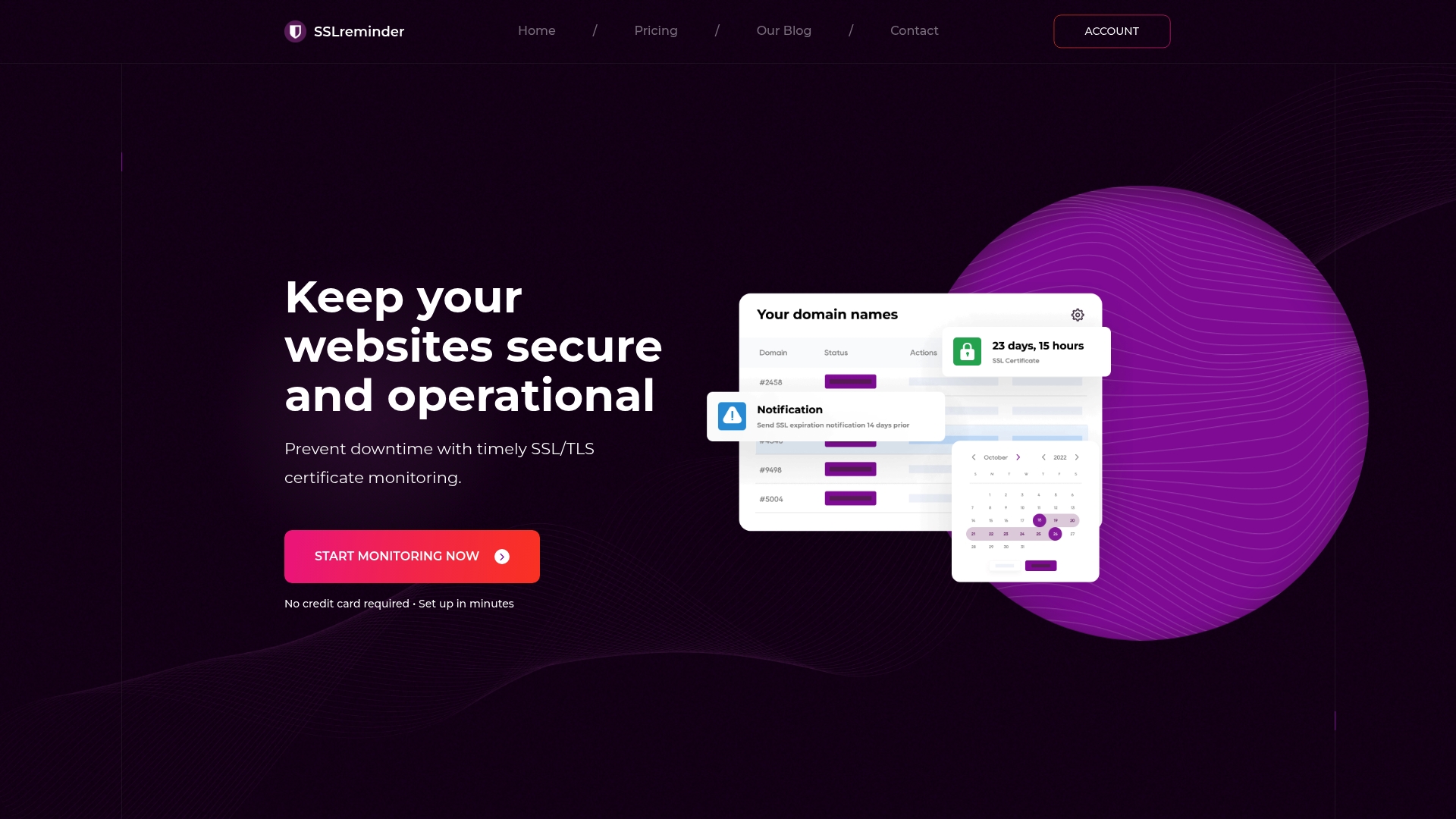
Autodiscovery of subdomains (added Nov 2022) plus retry and reliability improvements in May 2025 give SSLreminder broader coverage and faster follow ups than many certificate-only tools. It focuses on certificate health first and sends alerts by email, Slack, or a daily digest.
Core Features
-
Daily automatic scanning of SSL/TLS certificates for validity and expiration.
-
Customizable alerts via email, Slack, and configurable daily digest messages so teams can pick the cadence they prefer.
-
Bulk domain import and custom TLS port support to handle nonstandard server setups.
-
Autodiscovery of subdomains and improved retry mechanisms for more complete monitoring coverage.
Key Differentiator
SSLreminder positions itself as a certificate-first service that treats SSL monitoring as the primary job rather than a secondary check tacked onto uptime tools. The product emphasizes easy bulk onboarding and flexible notification schedules for teams managing many public-facing domains.
Pros
-
Intelligent daily monitoring catches expiry windows early, which reduces the risk of a certificate lapsing unnoticed.
-
Multiple alert channels, including Slack and daily digests, let operations teams match notifications to existing workflows.
-
No technical setup is required to get started, so adding domains is fast for small teams and agencies.
-
Bulk import support speeds onboarding for large portfolios and cuts manual entry work.
-
Recent infrastructure upgrades reportedly improved speed and reliability, which is useful for larger domain sets.
Cons
-
SSLreminder does not advertise integrated uptime or broader server health checks; its primary focus is certificates.
-
The API is in pre-release testing, which limits programmatic automation for now.
-
No native SMS or voice call alerts are reported, so on-call teams that rely on phone alerts will need a bridge.
-
Feature set is narrower than full IT management platforms that bundle SSL with monitoring, incident management, and asset inventories.
When It May Not Fit
If you need combined uptime checks, server metrics, and certificate monitoring in one tool, SSLreminder will feel narrow. Teams that require a production-ready API, native phone alerts, or a single-pane-of-glass ITSM integration should look elsewhere until the API exits pre-release.
Notable Integrations
-
Email for direct alerts and daily digests.
-
Slack for team notifications and channel-based alerts.
Who It’s For
Website owners, IT administrators, and security officers who prioritize preventing expired certificates across multiple domains will find SSLreminder useful. It fits teams that want minimal setup, bulk onboarding, and predictable email or Slack reminders rather than a full observability stack.
Real World Use Case
An ecommerce operator uses SSLreminder to monitor dozens of customer-facing sites, receiving daily digest emails and Slack alerts to the security channel. That workflow gives the team clear lead time to renew certificates before customers encounter warnings.
Pricing
SSLreminder offers a 30-day trial with every plan and does not require a credit card to start. Specific tiers are not publicly listed as of June 2026; some third-party mentions suggest plans starting around £14.99 per month for roughly 50 domains, but that figure is not confirmed on the vendor site.
Website: https://sslreminder.pro
Comparing SSL and Uptime Monitoring Solutions
Monitoring tool providers offer diverse approaches to uptime and SSL certificate management, each tailored to specific needs. Highlights encompass differences in capabilities for SSL monitoring precision, team scalability, alert flexibility, and pricing effectiveness.
Capturing Diverse Monitoring Needs Among Solutions
-
UptimeRobot stands resilient in complex scenarios where uptime monitoring is the priority, owing to its multi-factor probing and public status page creation. Alternatively:
-
pingping.io’s 30-second check intervals uniquely serve environments requiring sub-minute detection of outages or SSL health, emphasizing near real-time observations.
-
Targeted at certificate management, TrackSSL, Certimon, and SSLreminder excel at SSL-specific features like Certificate Transparency and subdomain discoveries, with features particularly improving lifecycle implementations and detection, which is often secondary in hybrid platforms like UptimeRobot where generics prioritize more scrolling feedback loops etc.
Comparing SSL and Uptime Monitoring Tools: UptimeRobot vs. pingping.io vs. TrackSSL vs. Certimon vs. SSLreminder
The following table contrasts key features and offers of five popular SSL expiry and uptime monitoring options to assist with informed decision-making.
| Product | Core Offering | Free Plan | Notable Feature | Pricing |
|---|---|---|---|---|
| UptimeRobot | Uptime and SSL Expiry Monitoring | 50 Monitors, 5-minute checks | Multi-platform alerts | From $9/month |
| pingping.io | Rapid Uptime and SSL Monitoring | 2 Sites, 30-second checks | Unlimited Team Access | From €6/month |
| TrackSSL | Certificate Expiry and Change Alerts | 2 Domains | Internal and Public Certificate Support | From $0.72/domain |
| Certimon | SSL Health and Expiry Alerts via Bot | Not disclosed | Operates via Telegram | Not disclosed |
| SSLreminder | Automatic Daily SSL Certificate Checks | Not disclosed | Bulk Import and Custom TLS Ports | From £14.99/month ▲ |
A Friendlier Way to Avoid SSL Expiry Surprises
Many teams rely on tools like UptimeRobot.com that emphasize uptime checks but often treat SSL certificate expiry as an afterthought. With Let’s Encrypt stopping expiration emails in June 2025, the risk of missing critical renewal alerts has grown. Otterwatch offers a calm, certificate-first approach that puts SSL expiration warnings front and center while quietly confirming your sites are up. Free to start with five sites monitored and no credit card required, Otterwatch helps you avoid expired-cert incidents with friendly, plain language reminders.

Discover how Otterwatch stands apart by focusing on what matters most to keep your websites secure. Visit Otterwatch to begin monitoring your SSL certificates effectively and receive thoughtful heads ups well before expiry dates. Import your domains and manage your certificate health without overwhelming alerts or complex dashboards.
Frequently Asked Questions
Is UptimeRobot suitable for users primarily concerned with SSL monitoring?
UptimeRobot is primarily focused on uptime monitoring and treats SSL checks as secondary. Its core feature set includes HTTP(s), ping, port, and SSL expiration monitoring, but it does not lead with SSL alerts like some alternatives. If SSL monitoring is your main concern, you may want to consider more specialized services.
How does pingping.io compare to UptimeRobot for monitoring frequency?
Pingping.io offers faster 30-second interval checks compared to UptimeRobot’s 5-minute checks on its free plan. This means users looking for quicker detection of downtime should consider pingping.io for its rapid alerting capabilities, especially if they manage multiple sites.
What is the primary focus of TrackSSL compared to UptimeRobot?
TrackSSL focuses mainly on SSL certificate monitoring, specifically alerting users about certificate expiry and changes rather than general uptime monitoring. For teams prioritizing SSL health and needing proactive notifications about certificate status, TrackSSL provides a more tailored solution.
Can Certimon be a good alternative for quick SSL alerts?
Certimon operates primarily through a Telegram bot, providing real-time SSL checks and expiry alerts very quickly. If you prefer a lightweight, immediate alert system via chat for certificate monitoring, Certimon may be the right choice for that specific use case.
How does SSLreminder help manage multiple domains?
SSLreminder offers bulk domain import and daily automatic scanning for SSL/TLS certificates, which makes managing multiple sites easier. For teams overseeing a large portfolio of domains, this bulk onboarding feature can significantly reduce the time and effort required to monitor certificate expiry.
Recommended
-
SSL certificate monitoring tools, honestly compared · Otterwatch
-
SSL Expiry Notification Setup: A Practical Guide · Otterwatch
-
Otterwatch — SSL & uptime monitoring, kept boring on purpose
Catch the next cert expiry before your users do.
Otterwatch checks your SSL certificates daily and emails you 30 days before they expire. Five sites free.
Start watching →